Starlight
Starlight is a web service that generates preview images for GitHub repositories.
Stack
Starlight was originally built using Node.js, Express.js, EJS, and Puppeteer. It has since been completely rewritten with Next.js and next/og (powered by Satori and resvg), delivering up to a 18x performance boost and significantly lower memory overhead.
The current stack includes:
- Next.js – Full-stack React framework.
- next/og – Built-in Next.js library for dynamic PNG image generation.
- Tailwind CSS – Utility-first CSS framework.
The previous version of Starlight (Node.js, Express, EJS, and Puppeteer) remains available on the legacy branch.
Basic Usage
To get a preview image for your repository, use the following URL format:
https://api.webstray.com/starlight/user/{username}/repository/{repository}Replace {username} and {repository} with your GitHub project details.
For example, to get a preview for the Starlight repository, follow this link:
https://api.webstray.com/starlight/user/webstraycom/repository/starlightTo display the generated preview in your README.md file, add this line:
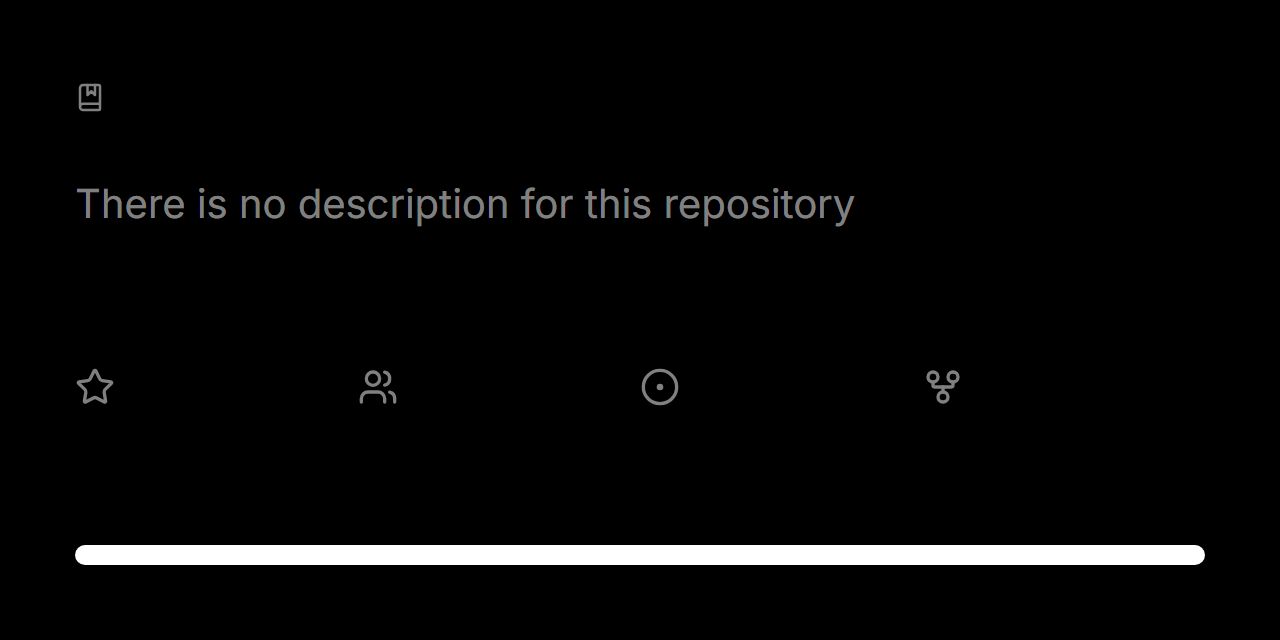Congratulations! You've successfully added a preview image to your repository.
If you encounter any issues, you can always check the README.md of this repository as an example.
Advanced Usage (with Parameters)
You can style your repository preview using URL parameters.
Below is a list of available parameters, their descriptions, and usage examples.
Single Language
The singleLanguage parameter displays only the primary language on the language bar instead of multiple languages.
To use this parameter, pass it in the request URL:
https://api.webstray.com/starlight/user/{username}/repository/{repository}?singleLanguage=trueBorder Radius
The borderRadius parameter adds corner rounding to the generated preview.
This parameter accepts an integer that determines the degree of rounding.
To use this parameter, pass it in the request URL:
https://api.webstray.com/starlight/user/{username}/repository/{repository}?borderRadius=20Sharp Progress
The sharpProgress parameter removes the rounding from the language bar, making its corners sharp.
To use this parameter, pass it in the request URL:
https://api.webstray.com/starlight/user/{username}/repository/{repository}?sharpProgress=trueStyled Progress
The styledProgress parameter makes the language bar monochrome (white or black, depending on the chosen theme).
To use this parameter, pass it in the request URL:
https://api.webstray.com/starlight/user/{username}/repository/{repository}?styledProgress=trueCustom Title
The customTitle parameter changes the displayed repository title to custom text.
This parameter accepts a string value.
To use this parameter, pass it in the request URL:
https://api.webstray.com/starlight/user/{username}/repository/{repository}?customTitle=YourRepositoryTitleLight Theme
The lightTheme parameter changes the color scheme of the generated preview from dark to light.
To use this parameter, pass it in the request URL:
https://api.webstray.com/starlight/user/{username}/repository/{repository}?lightTheme=trueMultiple Parameters
You can combine multiple parameters in the query string.
For example, to generate a preview with a custom title, sharp progress bar, and a single language, your request will look like this:
https://api.webstray.com/starlight/user/{username}/repository/{repository}?customTitle=YourRepositoryTitle&sharpProgress=true&singleLanguage=truePlayground
You can try different parameter combinations interactively on the Starlight Playground.